
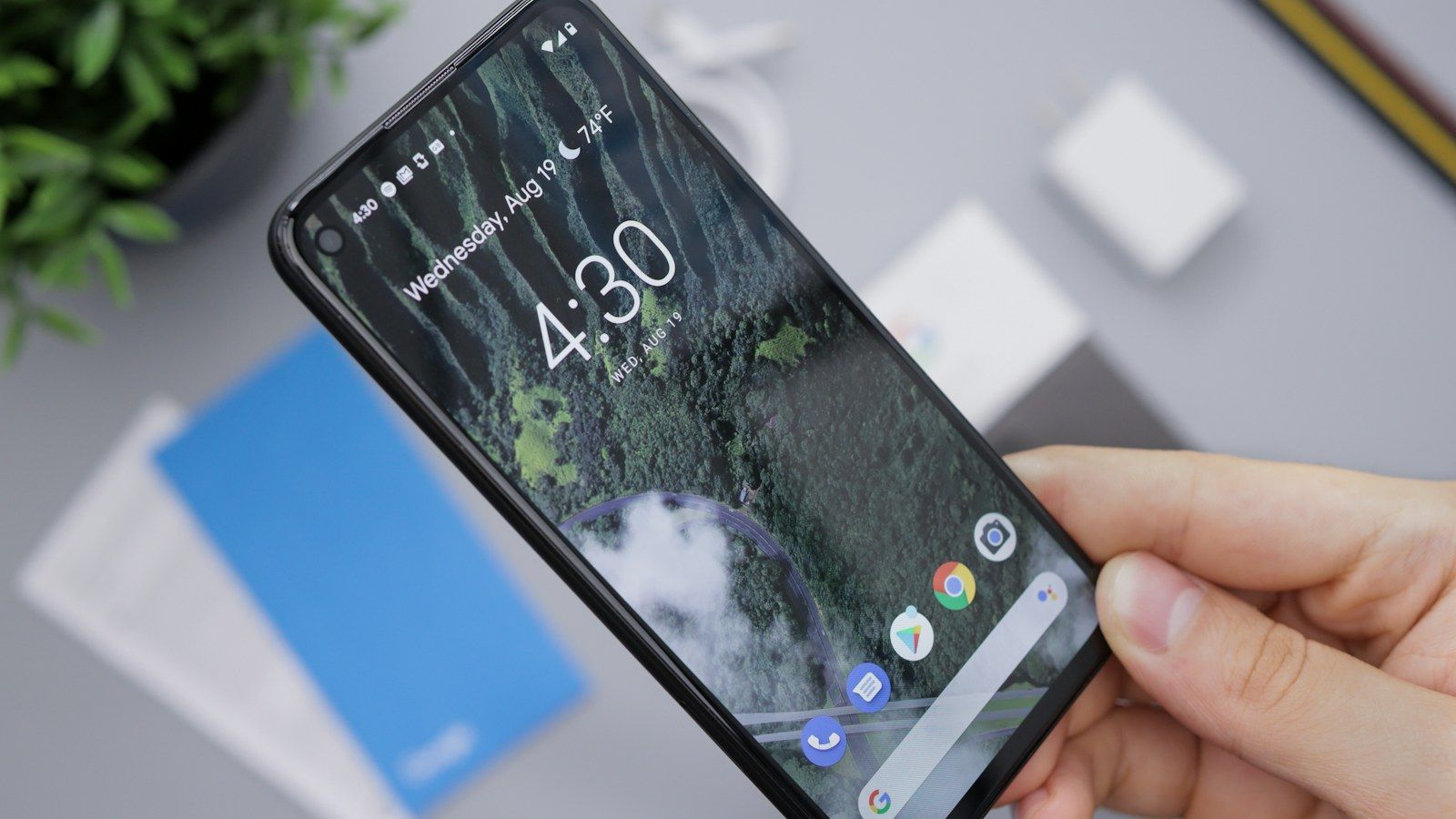
On a Pixel, adding a Yatelo travel eSIM lives under your SIM settings, and the whole process takes a few minutes. You add the plan, give it a name, point mobile data at it, and you're done. The catch is that Pixel phones come in several carrier variants, so a couple of menus can look slightly different from the steps below.
Do this at home on Wi-Fi before you fly, then test the plan when you land.
Before You Start
- Check your Pixel supports eSIM. Google says the process can differ slightly depending on your carrier. See Google's Pixel eSIM setup guide and eSIM overview.
- Make sure the phone is unlocked. Google says phones bought from the Google Store come unlocked, while carrier-bought phones may be locked. Use our guide to checking if a phone is unlocked.
- Update Android and connect to reliable Wi-Fi.
- Keep your QR code or activation details on another screen.
- Know when the plan starts. Yatelo's validity begins when the eSIM first connects to a supported network, not when you install it. See when to install and activate a travel eSIM.
Most eSIMs can only be installed once. If you delete the profile, you may not be able to reinstall it, so don't remove it as a troubleshooting step.
Install the eSIM
Google documents two routes. If your phone is brand new and still in setup, choose Download SIM, then Set up, and follow the prompts. If your phone is already set up, use Settings:
- Open Settings > Network & internet > SIMs.
- Tap Add SIM, then Set up an eSIM.
- When asked, scan the QR code on your other screen, or choose the option to enter the details manually. The wording differs a little between Android versions.
- Follow the prompts to finish the download.
- When offered, label the profile, for example "Yatelo Travel".
If the phone doesn't detect your plan automatically, Google notes you may need to activate the eSIM through your provider first. If scanning isn't available, enter the activation details exactly as provided, and don't share the code with anyone.
Choose the Right Line for Data
- In SIMs, select the Yatelo eSIM and switch on Mobile data.
- If you still need your home number, keep your home SIM for calls and texts.
- Check Roaming for the Yatelo line. Some plans don't need it and some do, so follow your plan's setup screen. Google notes that some carriers charge extra for roaming, so keep it off on your home SIM.
- Review any automatic data switching option and turn it off if you don't want the phone to fall back to the home SIM.
- If the setup screen tells you to, set network selection to manual and choose a supported network.
For the fuller two-line setup, see our Dual SIM guide, and read why a travel eSIM may need roaming if the setting confuses you.
Test When You Arrive
- Turn on the Yatelo eSIM if you left it off.
- Select it for mobile data and switch off Wi-Fi.
- Load a small web page.
- If it fails, toggle Airplane Mode for about 30 seconds, restart the phone, and check roaming, the APN details and network selection.
If It Doesn't Work
Don't delete the profile just because it doesn't connect right away. An activation code may be single-use, and a deleted eSIM may not be reinstallable. Give the network a few minutes to register, then work through our eSIM troubleshooting guide and contact support before you remove anything.
Haven't chosen a plan yet? Browse Yatelo destinations and install it before you leave home.
Frequently Asked Questions About Installing an eSIM on Google Pixel
Where do I add an eSIM on a Pixel?
Go to Settings, then Network & internet, then SIMs, tap Add SIM and choose Set up an eSIM. On a brand-new phone you can also choose Download SIM during setup.
Do all Pixel phones support eSIM?
Support depends on the model and carrier variant. Check Google's eSIM pages for your exact phone before you buy a plan.
Can I install the eSIM at home before I travel?
Yes. On Yatelo plans, validity begins when the eSIM first connects to a supported network, so installing early doesn't use up days.
Do I need to turn on Roaming?
Only if your plan's setup screen says so. Keep roaming off on your home SIM, since some carriers charge extra for it.
Is a Pixel bought from a carrier unlocked?
Not necessarily. Google says phones from the Google Store come unlocked, while a carrier-bought phone could be SIM-locked. Check before you buy a plan.