
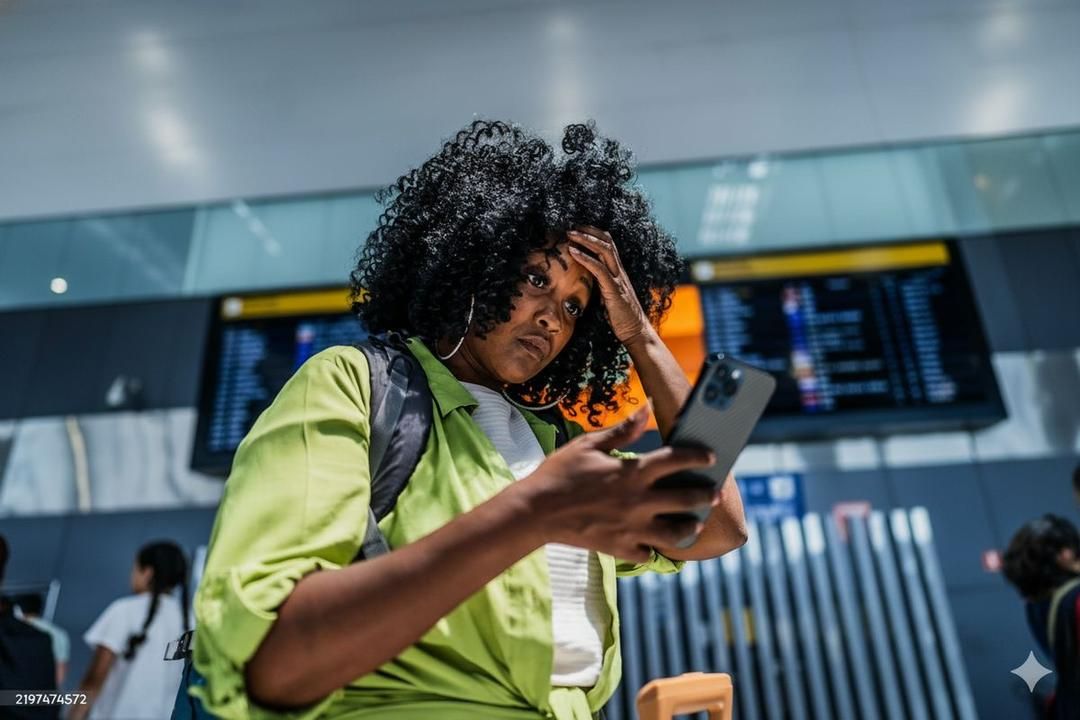
Landing in a new country should feel exciting. Instead, the moment the aircraft doors open, you may realize that your phone has no usable internet connection.
Your map will not load. Your ride-hailing app cannot find a driver. The hotel address is buried in an email you did not save offline, and the person waiting for your arrival has no way to reach you. A small connectivity problem can quickly become the most stressful part of the journey.
Internet access now supports almost every step between the airport and your accommodation. Understanding what stops working—and preparing before departure—can make your arrival much easier.
The First Problem Usually Starts at the Airport
Most travelers need their phones within minutes of landing. They want to tell someone they arrived, check the route into the city, find the correct terminal exit, or confirm where a driver will meet them.
Without mobile data, each of those simple tasks becomes uncertain. Airport signs may help you reach immigration and baggage claim, but they cannot update a delayed train, retrieve a booking number, or translate a message from your host.
The pressure is worse after a long flight. You are tired, carrying luggage, and making decisions in an unfamiliar place. That is a difficult moment to begin researching local data plans.
What Stops Working Without Mobile Data?
A phone without internet still has some offline functions, but many of the services travelers rely on need a live connection.
- Maps and public transport: You may lose live routes, platform changes, traffic information, and walking directions.
- Ride-hailing apps: You cannot request a ride, follow the driver's location, or send pickup instructions.
- Bookings: Hotel details, boarding passes, attraction tickets, and confirmation emails may be unavailable if they were not downloaded.
- Messaging: Family, friends, hosts, and drivers cannot receive your arrival update.
- Translation: Camera translation, pronunciation help, and live conversations may be limited.
- Payments and banking: Some transactions require an app, a notification, or another online verification step.
You can prepare screenshots and offline maps, and those are useful backups. They cannot account for a cancelled train, a changed pickup point, or a last-minute message from your accommodation.
Why Airport Wi-Fi Is Not a Complete Plan
Free airport Wi-Fi can help in an emergency, but it is not always a dependable arrival strategy. The network may be crowded, slow, limited to certain areas, or protected by a sign-in page that does not load properly.
Some networks also ask for an email address, a local phone number, or repeated acceptance of their terms. Even when you connect successfully, the signal can disappear as soon as you leave the terminal.
Public networks also require care. Avoid accessing sensitive accounts on a network you do not trust, and read our guide to using public Wi-Fi more safely while traveling.
Airport Wi-Fi works best as a backup. Your onward journey still needs a connection that travels with you.
The Usual Ways Travelers Try to Get Connected
When a traveler lands without a plan, the most common options are international roaming, a physical SIM card, or an eSIM. Each works differently.
International roaming
Turning on roaming is convenient because it uses your existing mobile line. The tradeoff is cost and uncertainty. Depending on your carrier and plan, background updates, maps, video, and social media can consume an allowance quickly or create unexpected charges.
If you plan to roam, check the price, included data, speed limits, and destination coverage with your carrier before departure.
A physical SIM after arrival
A local or tourist SIM can provide data, but buying one takes time. You may need to find a kiosk, compare unfamiliar plans, show identification, wait for activation, and remove your primary SIM. Airport offers can also differ from plans available elsewhere in the city.
This option can work well for some trips, but it leaves the setup until the moment you are most tired and need connectivity most.
An eSIM prepared before the flight
An eSIM is installed digitally, so there is no card to collect or swap. You can choose a destination plan and complete the setup while you still have reliable internet at home.
After landing, you enable the travel eSIM and data roaming for that line according to the provider's instructions. With a compatible, unlocked device and local network coverage, your phone can connect without a visit to an airport kiosk.
How an eSIM Changes the Arrival Experience
The biggest benefit of preparing an eSIM is not simply getting data. It is removing a problem from the first hour of your trip.
With a travel eSIM installed before takeoff, you can:
- message family or your host after landing;
- open live directions to your accommodation;
- request a ride and confirm the pickup point;
- check train times and platform changes;
- translate signs and conversations;
- retrieve bookings and travel documents; and
- keep your primary SIM in your phone for calls or messages, depending on your device settings.
Yatelo destination eSIM plans let you arrange mobile data before departure. That means you can spend your arrival finding the right train or enjoying the first view of a new city instead of searching for a SIM counter.
What to Do Before You Fly
A few minutes of preparation can prevent most arrival-day connectivity problems.
- Confirm that your phone supports eSIM. It should also be unlocked for use with another provider.
- Choose the right destination and plan. Consider the length of the trip and how you use data for maps, messaging, work, video, or hotspot access.
- Install the eSIM before departure. Complete the download while you have a stable internet connection, but follow the activation instructions so the plan does not begin earlier than intended.
- Save the instructions offline. Keep a screenshot of the setup steps, APN details if supplied, and customer support information.
- Download essential backups. Save your hotel address, first route, booking confirmations, and an offline map of the arrival area.
- Check your phone's data settings. Make sure your travel eSIM will be used for mobile data and review the roaming settings for your primary line.
Do not delete an eSIM after installation unless your provider tells you to do so. Some eSIMs cannot be downloaded again without support.
Who Benefits Most From Arriving Connected?
Reliable data helps every traveler, but it is especially useful when you are arriving late, traveling alone, visiting a country with an unfamiliar language, or connecting to another city immediately.
It also matters for remote workers, students, families coordinating several travelers, and creators who need to communicate or work soon after arrival. In these situations, connectivity supports both convenience and peace of mind.
Even on a relaxed holiday, a working connection makes it easier to adapt when plans change. You can find another route, contact the property, rebook a ticket, or ask for help without first searching for Wi-Fi.
A Better Arrival Begins Before Takeoff
The worst time to decide how you will get online is after you have landed. By then, you may already need maps, messages, bookings, or transport information.
Preparing your connection before departure turns those first moments into a much smoother experience. You land, switch on your travel line, and continue with the journey.
Before your next trip, explore Yatelo's eSIM plans by destination, choose the option that fits your travel needs, and arrive ready to connect.