
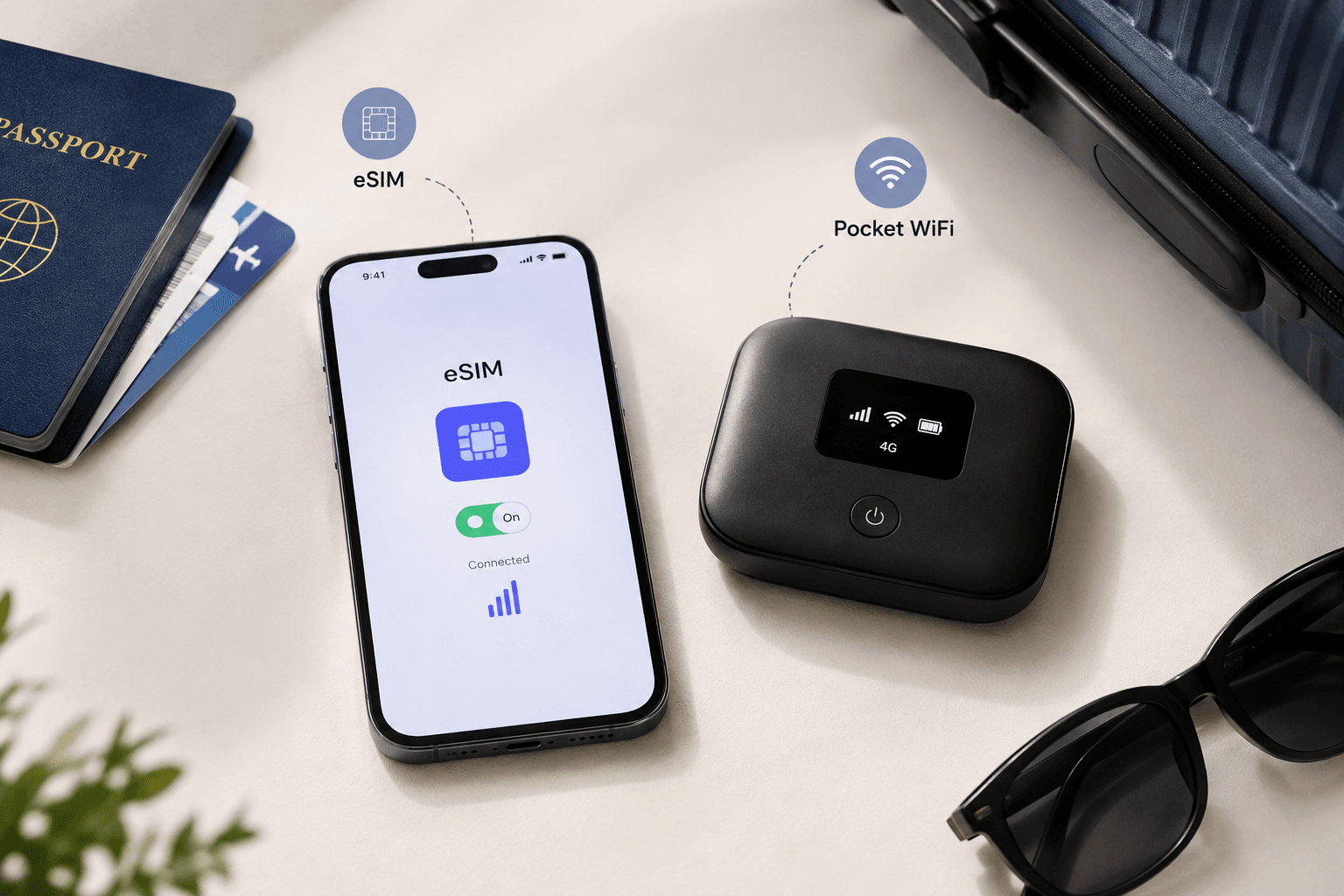
Choosing between an eSIM vs pocket WiFi comes down to a few practical questions: how many people need to share a connection, how long you are away, and whether you want to carry, charge, and return an extra device. Both options let you avoid expensive roaming, but they fail in different ways and suit different travelers.
This guide compares a travel eSIM with a rented or bought pocket WiFi device on cost, convenience, battery, sharing, security, and coverage. It includes worked cost examples for common trip lengths and a recommendation for solo travelers, couples, families, and remote workers.
How an eSIM and a Pocket WiFi Work
Travel eSIM
A travel eSIM is a digital SIM profile installed on a compatible, unlocked phone. You buy a data plan online, install it with a QR code or app, and select it for mobile data. Your phone connects to partner networks in the destination, so there is nothing to collect or return. Most travel eSIMs are data-only. For the basics, see what an eSIM is and how it works for travel.
Pocket WiFi
A pocket WiFi, also called a portable router or mobile hotspot, is a small battery-powered device with its own SIM. It connects to a local mobile network and shares that connection over WiFi, so phones, tablets, and laptops join it like any other WiFi network. Travelers usually rent one for the trip and collect it at an airport counter, a hotel, or by delivery, then return it at the end.
eSIM vs Pocket WiFi at a Glance
The table shows the typical differences. Individual plans and rental providers vary, so check the terms of the specific product before you buy.
| Factor | Travel eSIM | Pocket WiFi |
|---|---|---|
| Setup | Install online before departure | Book, then collect at an airport, hotel, or by delivery |
| Extra device to carry | None | Yes, plus a charger or power bank |
| Return | Nothing to return | Usually returned by a deadline, with fees for late returns |
| Battery | Uses your phone's battery | Separate battery, with life that varies by model |
| Sharing | One connection per phone, or hotspot where the plan allows it | One connection shared by several devices, up to 10 on some rental units |
| Phone requirement | eSIM-compatible and unlocked phone | Any WiFi-capable device |
| Staying together | Each person stays connected on their own | Everyone needs to stay within range of the device |
| Multi-country trips | Regional and global plans keep one profile | Often tied to one country or region |
| Typical failure | Phone not compatible, or locked to its carrier | Flat battery, forgotten device, or a missed return |
Convenience, Battery, and Pickup Friction
With an eSIM there is no pickup counter, no return deadline, and no second battery to manage. You install it from home, switch it on when you land, and your phone is the only thing you need to keep charged.
A pocket WiFi adds steps. You collect it, check that it is charged, carry it through the day, and return it before you leave. Late returns are typically charged by the day: one Japanese rental provider's pocket WiFi guide lists typical late fees of ¥1,100 a day. Battery life varies by model. The same provider quotes up to 18.5 hours per charge for its own unit, but a long sightseeing day or a heavily used device can still call for a power bank. If the device is left at the hotel, the whole group loses its connection.
Sharing Data Across Devices
This is where pocket WiFi has its clearest advantage. One device can serve a laptop, a tablet, and several phones at once, and none of those devices need to support eSIM. The provider guide above lists up to 10 simultaneous connections on its unit, and other models differ.
An eSIM covers the phone it is installed on. It can also share data to other devices through your phone's hotspot or tethering feature, but whether that is allowed depends on the plan. Check the plan's hotspot terms before relying on it, and note that tethering uses extra battery on the phone.
When Hotspot Tethering Changes the Answer
If your eSIM plan allows hotspot use, one phone can act as a small pocket WiFi for a laptop or a partner's device. That removes much of the pocket WiFi advantage for couples and light laptop use, and it saves the rental fee. It becomes less attractive when several people need a connection all day, because your phone's battery and data drain faster, and everyone depends on one phone staying close and charged.
If the plan does not allow hotspot use, or the data allowance is small, a pocket WiFi or a second eSIM for the other device may be the better fit. Always read the plan's hotspot rules before you decide.
Security and Privacy
Both options can reduce your reliance on public WiFi at airports, hotels, and cafes, which is often the bigger risk. A pocket WiFi creates a WiFi network, so set a strong password and change the default one if the device allows it. An eSIM sends your traffic over the mobile network directly, with no extra WiFi network to join. Whichever you choose, keep your devices updated and avoid sensitive tasks on unfamiliar networks. Our guide to Wi-Fi security while traveling has more practical advice.
Worked Cost Examples for Japan
These examples use Japan because it is a common pocket WiFi destination. Yatelo prices are for Japan-only plans listed on the Japan destination page on 3 October 2026, in US dollars. Pocket WiFi prices are in yen, taken from a Japanese rental provider's pocket WiFi guide, which says rentals cost roughly ¥550 to ¥1,000 per day for unlimited data. To compare, divide the yen totals by the current USD to JPY exchange rate. The two are not like for like: the pocket WiFi figure is for unlimited data, while the eSIM plans below have fixed allowances. Deposits, delivery, and add-ons are extra, so check the provider's current terms before you book.
Solo traveler, 7 days
A pocket WiFi for 7 days at those daily rates would cost roughly ¥3,850 to ¥7,000. A Yatelo Japan plan was listed at US$1.54 for 1GB over 7 days, or US$4.54 for 3GB over 30 days. For one person who only needs a phone connection, the eSIM is the simpler choice and costs much less.
Couple, 10 days
One pocket WiFi shared by two people would cost roughly ¥5,500 to ¥10,000 for 10 days at the same rates. Two Yatelo 10GB, 30-day Japan plans were listed at US$7.52 each, or US$15.04 in total. Individual eSIMs also mean you can split up for the afternoon without losing your connection.
Family of four, 14 days
A single pocket WiFi would cost roughly ¥7,700 to ¥14,000 for 14 days, and a family that stays together may prefer one shared connection. Four Yatelo 5GB, 30-day plans at US$5.45 each come to US$21.80, which gives each person their own connection. A single larger plan with hotspot sharing may be cheaper still, but only if the plan allows hotspot use and your phones can handle the load.
Remote worker, 30 days
Thirty days of pocket WiFi at those rates would cost roughly ¥16,500 to ¥30,000. A Yatelo 50GB, 30-day Japan plan was listed at US$22.15. Check the hotspot terms and your data needs first, since a laptop can use a lot of data. Our eSIM data plans guide explains how to size a plan.
These are illustrations, not quotes. Your cost depends on the provider, deposits and delivery fees, the data plan, and the exact dates. Compare the full price for your trip, not just the headline daily rate.
Best Choice by Traveler Type
Solo travelers
An eSIM is usually the best fit. There is nothing to carry or return, and one phone covers maps, messaging, and bookings.
Couples
Two eSIMs let each person stay connected independently. A shared pocket WiFi can work if you always travel together and want one bill, but it creates a single point of failure.
Families
It depends on the group. A pocket WiFi suits a family that always stays together and needs to connect several tablets and phones, while individual eSIMs suit older children or parents who split up. Check the number of eSIM-compatible phones before choosing.
Remote workers
Heavy use, video calls, and a laptop favor a plan with a large allowance and clear hotspot terms, or a dedicated device with enough data. Consider a backup connection as well, because work depends on staying online.
Practical Recommendation Checklist
- Phone: Is it eSIM-compatible and unlocked? If not, a pocket WiFi or a physical SIM is your practical choice. Run the Yatelo compatibility checker and see how to check whether your phone supports eSIM.
- Group size: Will several people share one connection all day, or does each person need their own?
- Other devices: Do you need to connect a laptop or tablet without using phone tethering?
- Hotspot terms: Does the eSIM plan allow hotspot use, and how much data does it include?
- Battery: Are you willing to carry and charge another device?
- Return: Can you collect and return a rental on your arrival and departure schedule?
- Route: Does the product cover every country on your itinerary?
- Total cost: Add deposits, delivery, add-ons, and late-return fees to the daily price.
For a wider comparison that includes local SIMs and roaming, read our guide to eSIM vs physical SIM vs roaming.
Choose Your Connection Before You Fly
For most solo travelers and couples, a travel eSIM is cheaper and simpler than a pocket WiFi, because there is no device to collect, charge, or return. A pocket WiFi earns its place when a group wants one shared connection or needs to connect devices that cannot use an eSIM.
Once you have confirmed your phone is compatible, browse Yatelo eSIM plans by destination and choose the plan that covers your whole trip.
Frequently Asked Questions About eSIM and Pocket WiFi
Can I use an eSIM and a pocket WiFi together?
Yes. Some travelers use an eSIM on their phone and carry a pocket WiFi for a laptop or a group. Doing both usually costs more, so it makes most sense when you need a backup or have several devices that cannot use an eSIM.
Does a pocket WiFi work without a phone?
Yes. A pocket WiFi has its own SIM and battery, so any WiFi-capable device can join it, including tablets and laptops that have no mobile connection of their own.
What happens if I lose or forget a rented pocket WiFi?
Rental terms vary, but providers commonly charge a replacement or loss fee and a daily late-return fee. Read the rental agreement and check what the deposit covers before you collect the device.
Do I need to return an eSIM?
No. An eSIM is a digital profile, so there is nothing to return. Follow the plan instructions about deleting or keeping the profile after your trip, because some profiles cannot be installed again once removed.